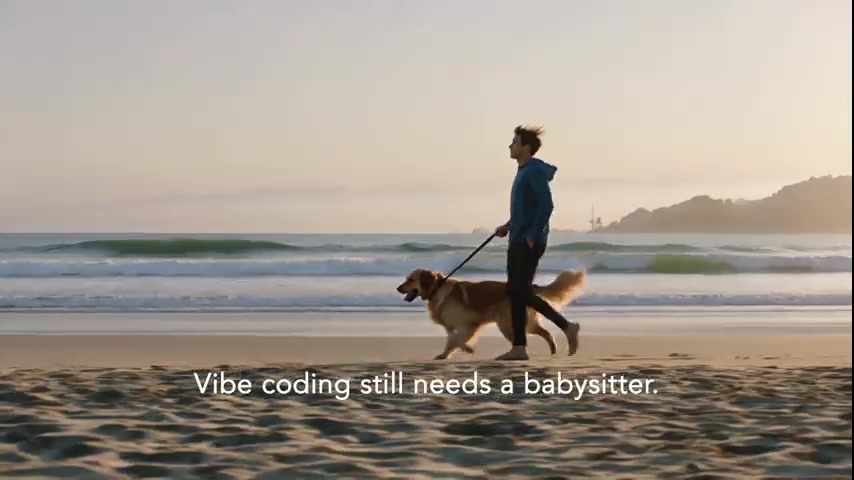
Chill coding · not vibe coding
Your software keeps building while you're on the beach You can build a SaaS with Stripe checkout Not vibe coding chill coding. MissionIDE turns your intent into missions on your Mac, runs them step-by-step in Cursor or VS Code, and pings you only when judgment matters.
Runs in Cursor & VS Code on your Mac Structured missions—not one giant prompt Pinged only at human checkpoints For founders and senior devs who ship with Cursor or VS Code—and want their Mac working while they're not.
12+ steps per mission
24/7 unattended runs
1 IDE you already use
Why MissionIDE
Vibe coding still needs a babysitter. Just vibe-code the whole auth, billing, admin, and mobile stack in one prompt… Here is our full codebase context (48,000 tokens)… Continue from where we left off but also redesign the dashboard… The agent stopped. Open a new chat and paste everything again. ERROR: context window exceeded. Truncating…
Vibe coding Context overflow Prompt roulette Stalled agents
The shift
MissionIDE turns vibe coding into chill coding. Structured planning
Sequential execution
IDE control
Model pacing
Continuous progress
Live preview
Watch a mission run while you sleep. From one intent to committed code—your Mac builds step-by-step while you're away.
11:42 PM 🌙 You head to bed
Build a SaaS with Stripe checkout — run tests after each step.
Intent
Cursor — mission/step-4.ts
// awaiting orchestration…
Running tests… IDE active
Mission Control — overnight run
Pause preview 01 Intent captured02 Plan structured03 Auth module04 API layer05 Tests running06 Morning review
Chill coding
Close the laptop. Your Mac keeps building. Beach, bed, or boardroom—missions run step-by-step while you live your life.
Building On the beach Stripe checkout shipping
Project progressing Step 7 of 12 · Tests green · Awaiting your review
Built for unattended development
Orchestration infrastructure for your stack. Not another chat window—a mission control layer for long-running AI work in your IDE.
⬡ Mission Engine Decompose intent into missions with checkpoints—not one giant prompt.
⌘ IDE Drivers Your real editor. Orchestrated remotely while you step away.
◎ Model Routing Cloud or local models per step—by cost, privacy, or capability.
◐ Long-running execution Overnight builds. Missions continue while you sleep.
✓ Human checkpoints Approval gates when judgment matters. Pinged only when needed.
▤ Context management Chunked prompts so agents stay focused without burning context.
How it works
Three steps. Progress that doesn't stop when you do. 01
Describe your intent A feature, refactor, or full build—brief or detailed. MissionIDE plans the mission.
02
Orchestrate in your IDE Steps run in Cursor or VS Code with paced context and automated checkpoints.
03
Review and continue Wake up to progress. Approve at gates, then let the mission keep building.
Works with your stack
Compatible integrations — not affiliated with or endorsed by these companies.
OpenAI Anthropic Ollama VS Code Cursor OpenAI Anthropic Ollama VS Code Cursor
FAQ
Questions builders ask first. How is MissionIDE different from Cursor or Copilot? ↓ Chat tools are vibe coding—you babysit one thread until context dies. MissionIDE is chill coding: structured missions, step-by-step execution, and checkpoints—so your Mac keeps building while you sleep, travel, or step away.
Does it replace my editor? ↓
What happens when a step needs my judgment? ↓
Which models are supported? ↓
Is the beta ready for production code? ↓
Chill coding beats vibe coding. Pair your Mac once. Build while you're on the beach, asleep, or offline.